One setup for the stack
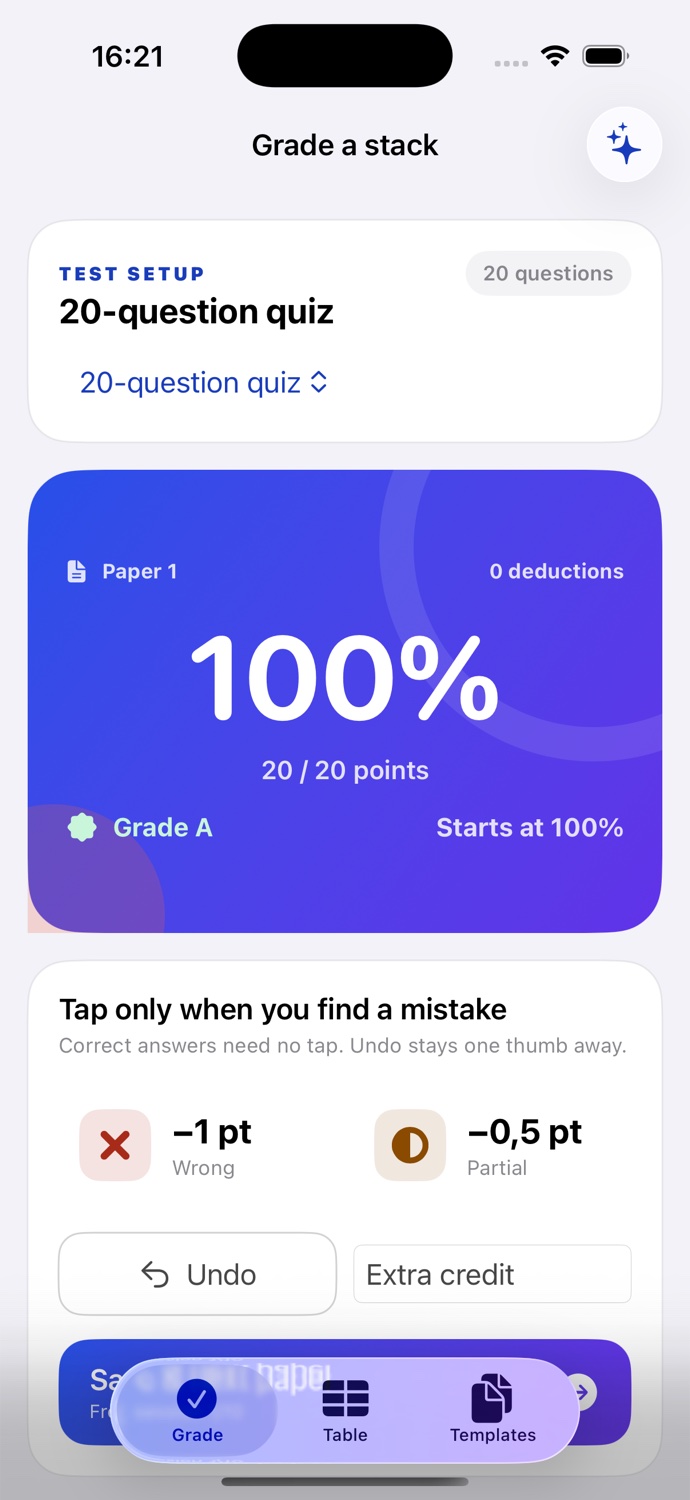
Choose the test once. Every new paper starts clean without asking for the total again.

GradCal for iPhone
Coming soonA grading tool made for the repetitive part of teaching. Tap points off, save the paper, and move on—without building a student database first.
No account No ads in the app Works offline
Built around the real task
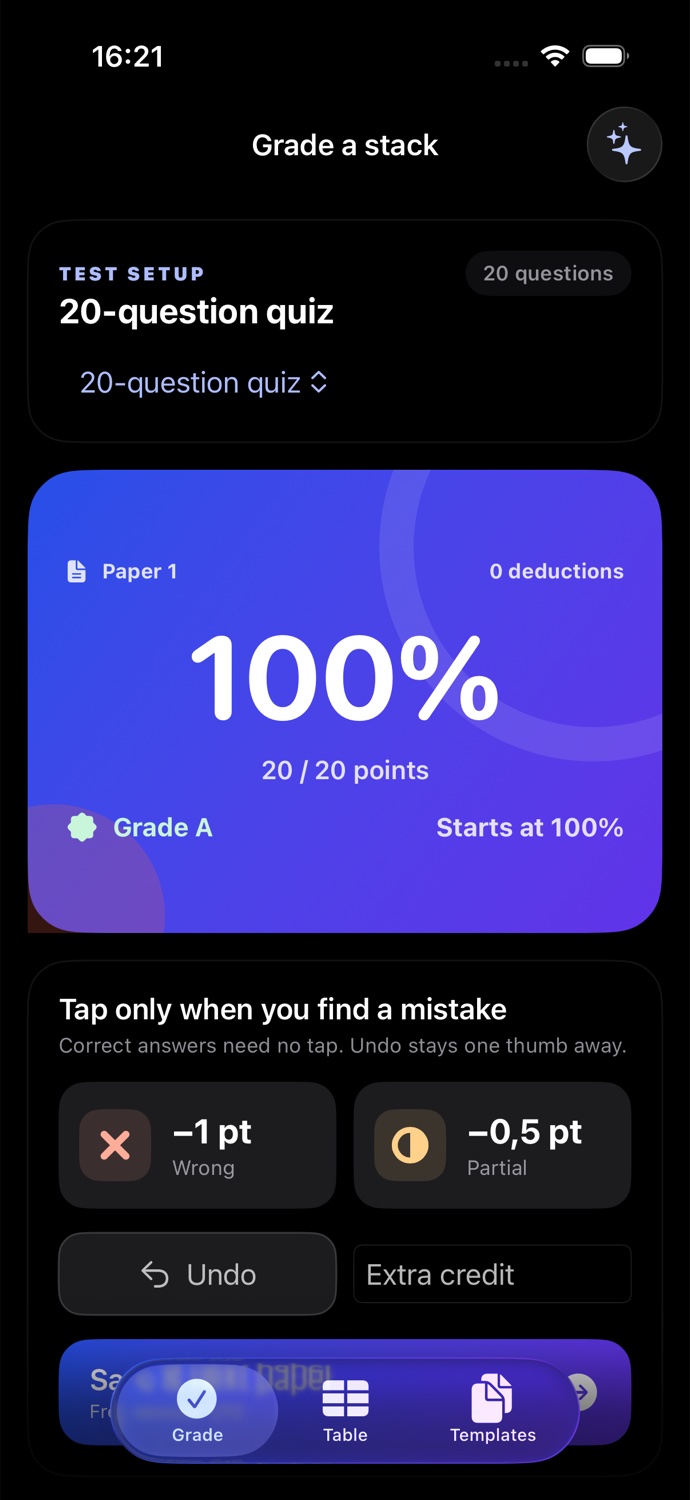
GradCal keeps the assignment rules in place while you work through the pile. Correct answers need no tap, and a mistake never sends you back to the beginning.
Question count, partial credit, rounding, and grade bands are ready.
The percentage, points, and letter grade update immediately.
Your anonymous session keeps the average and distribution.
The actual product
No fake dashboard and no student-gradebook detour.
Everything that earns its place
Choose the test once. Every new paper starts clean without asking for the total again.
Subtract a full point or the exact partial-credit amount defined in your test setup.
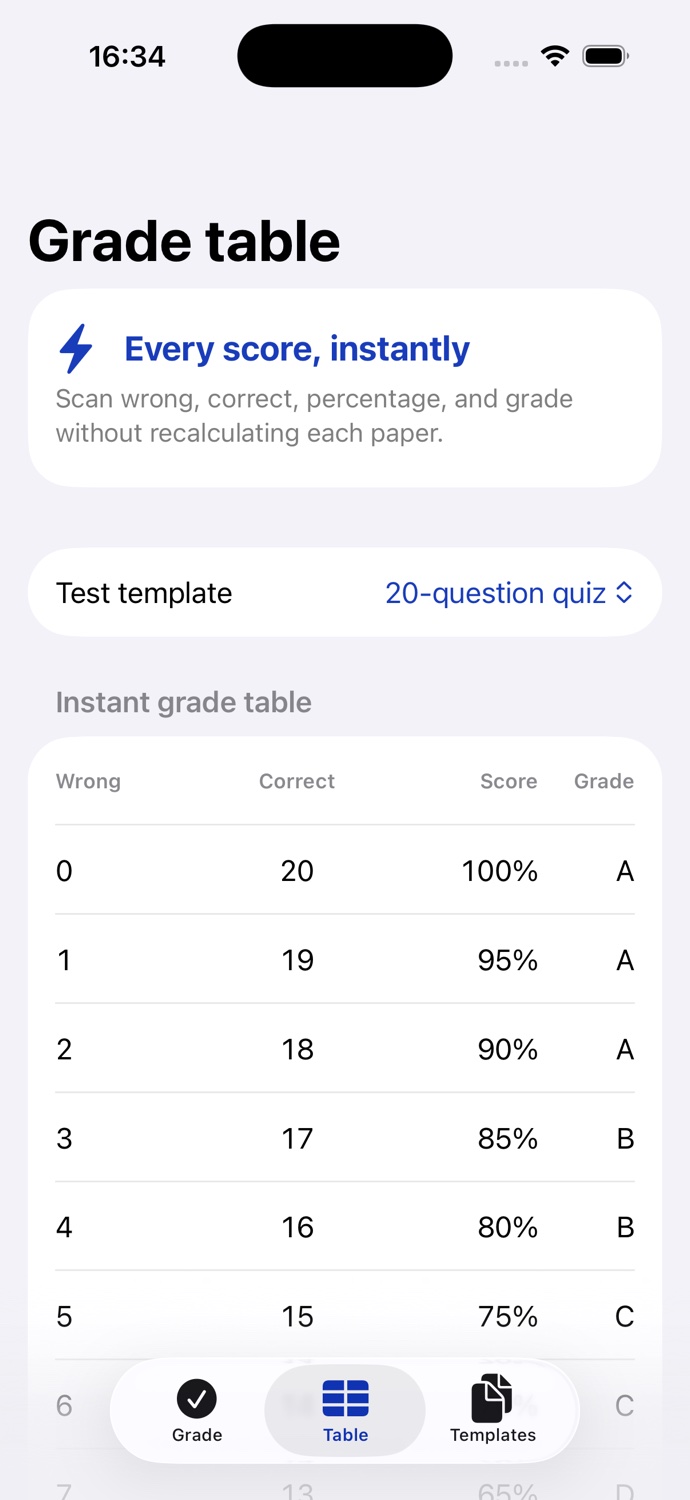
See wrong, correct, percentage, and letter grade for every possible result.
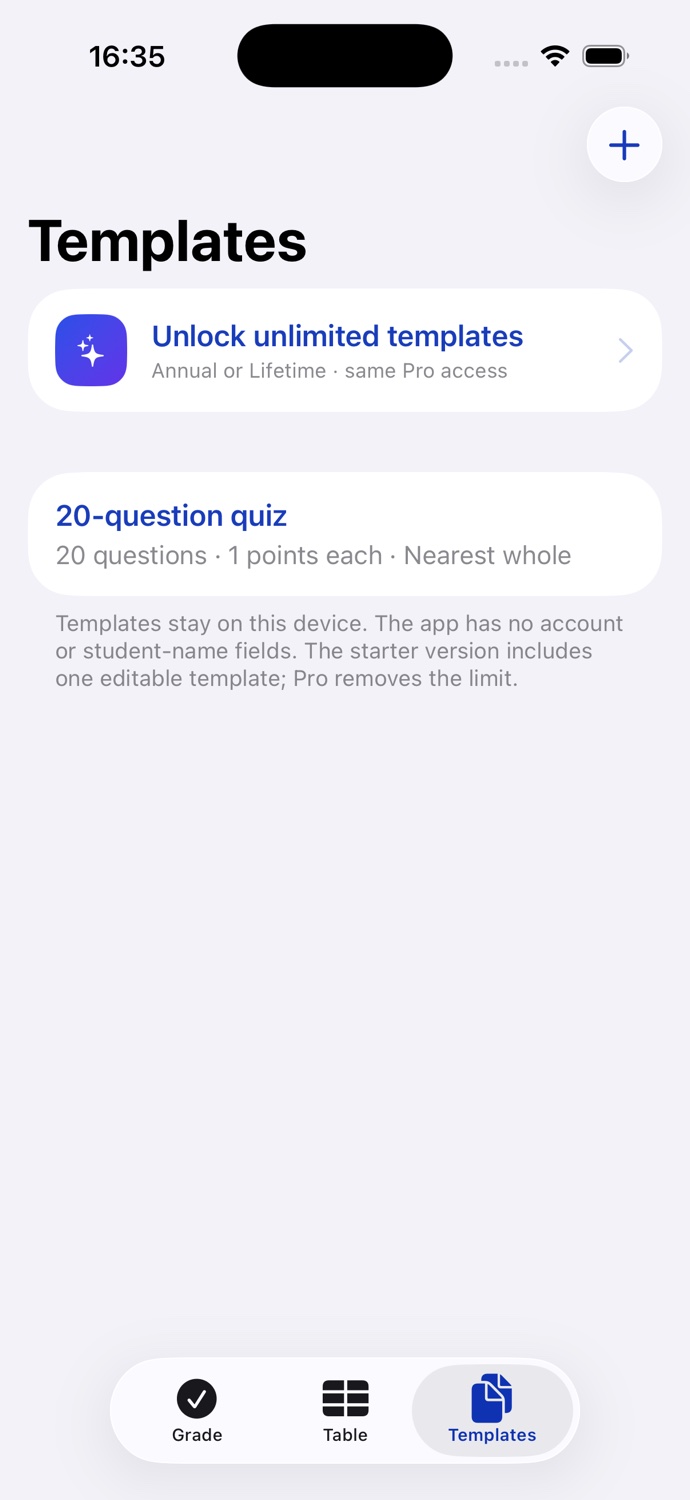
Set question count, points per question, partial credit, rounding, and letter-grade bands.
Review the average and distribution, then share a CSV labeled Paper 1, Paper 2, and so on—never student names.
Grade, use saved setups, and review the table without an internet connection or account.
Straight answers
No. Test setups and anonymous sessions stay on your device.
Yes for grading, saved setups, and the grade table. A connection is needed only for purchasing or restoring Pro.
No student fields exist. A session contains sequential paper numbers and calculated scores only.
No download needed today